Record with a
black screen.
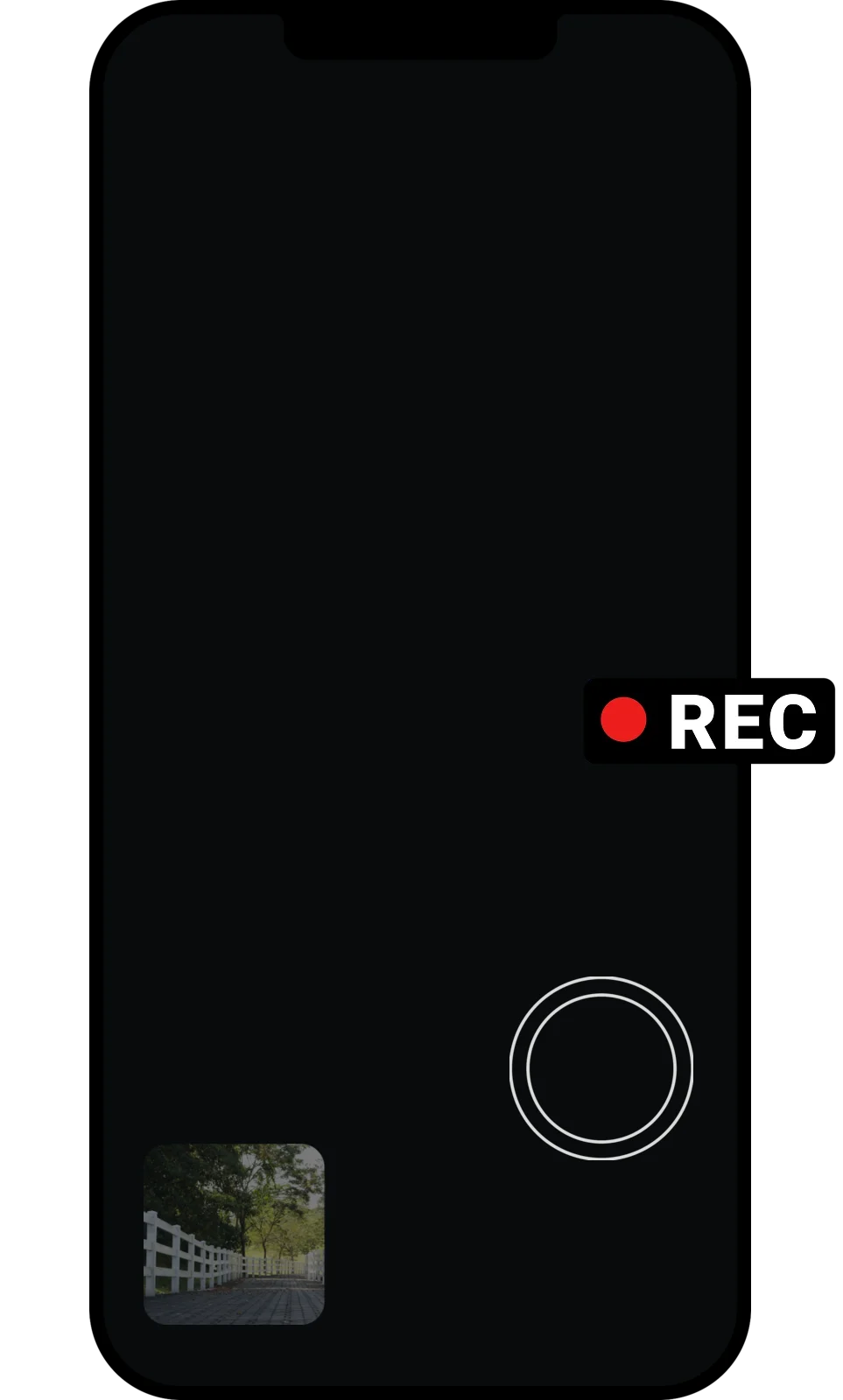
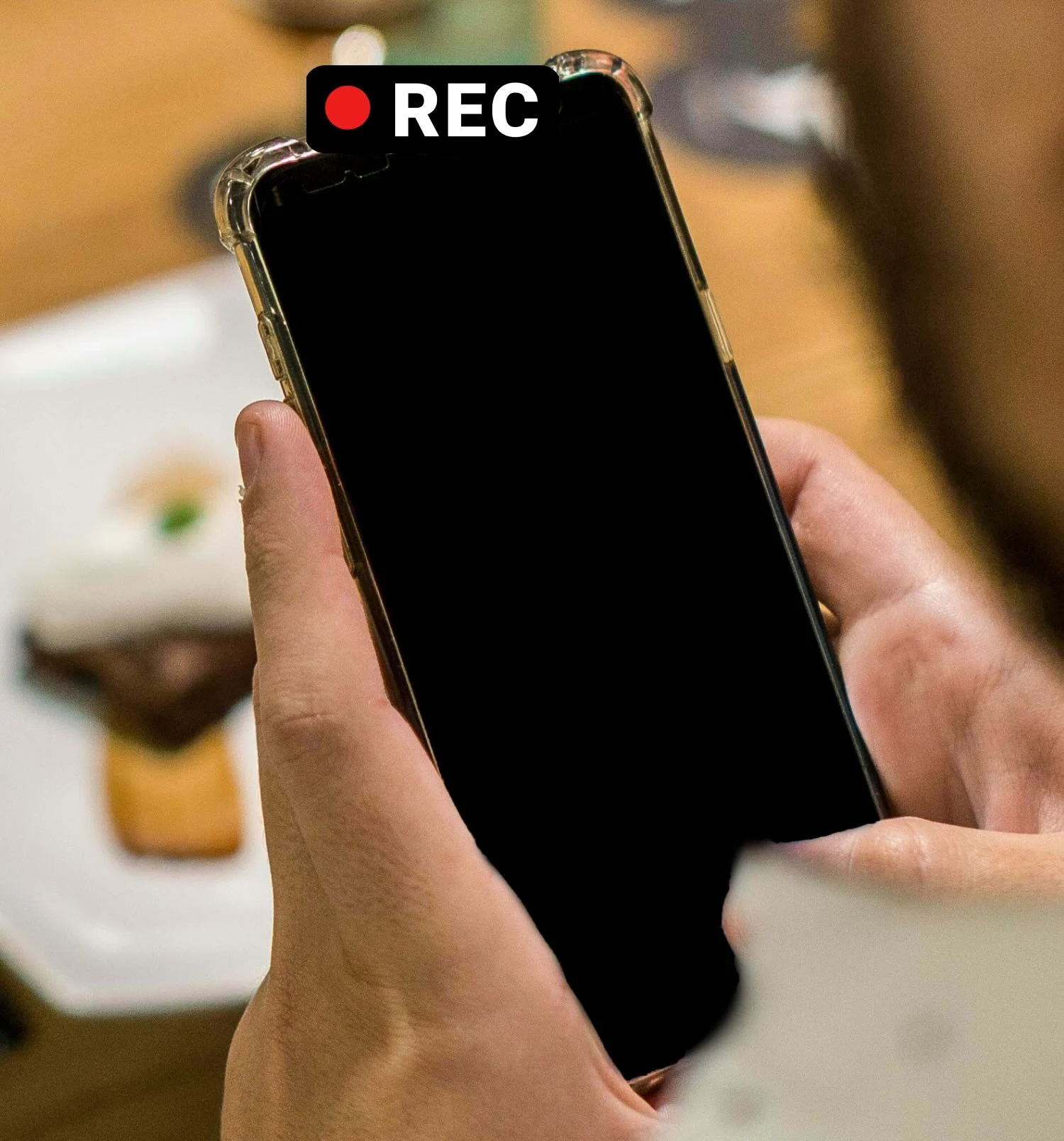
Want to film without lighting up your phone? Our app Dark Cam records videos and takes photos while the screen stays black, so your phone looks like it's turned off.

The problem
A normal camera app lights up your whole screen with a live preview and plays a shutter sound. Everyone around you knows you're filming. Been there, done that.
That's why we developed Dark Cam - a camera that keeps your screen black, or shows any image you pick, while it records. Tap anywhere to take a photo or to start and stop a video.
Perfect for candid photos, street photography, travel, or any moment you don't want to interrupt with a bright screen.
28 000+ downloads
We feel grateful that more than 28 000 people used our app to take photos and videos without drawing attention. We're happy to be part of their journey.
Download our Dark Cam app for Android
Frequently asked questions
What is the best app to record video with a black screen?
Dark Cam is a free app for Android. It records videos and takes photos while your screen stays black, so your phone looks turned off or locked. More than 28,000 people already record this way.
Can I record video with the screen off?
Yes, that's the whole point of the app. Open Dark Cam and the screen goes black while the camera keeps working. Tap anywhere to take a photo, or to start and stop a video.
Can I show an image instead of a black screen?
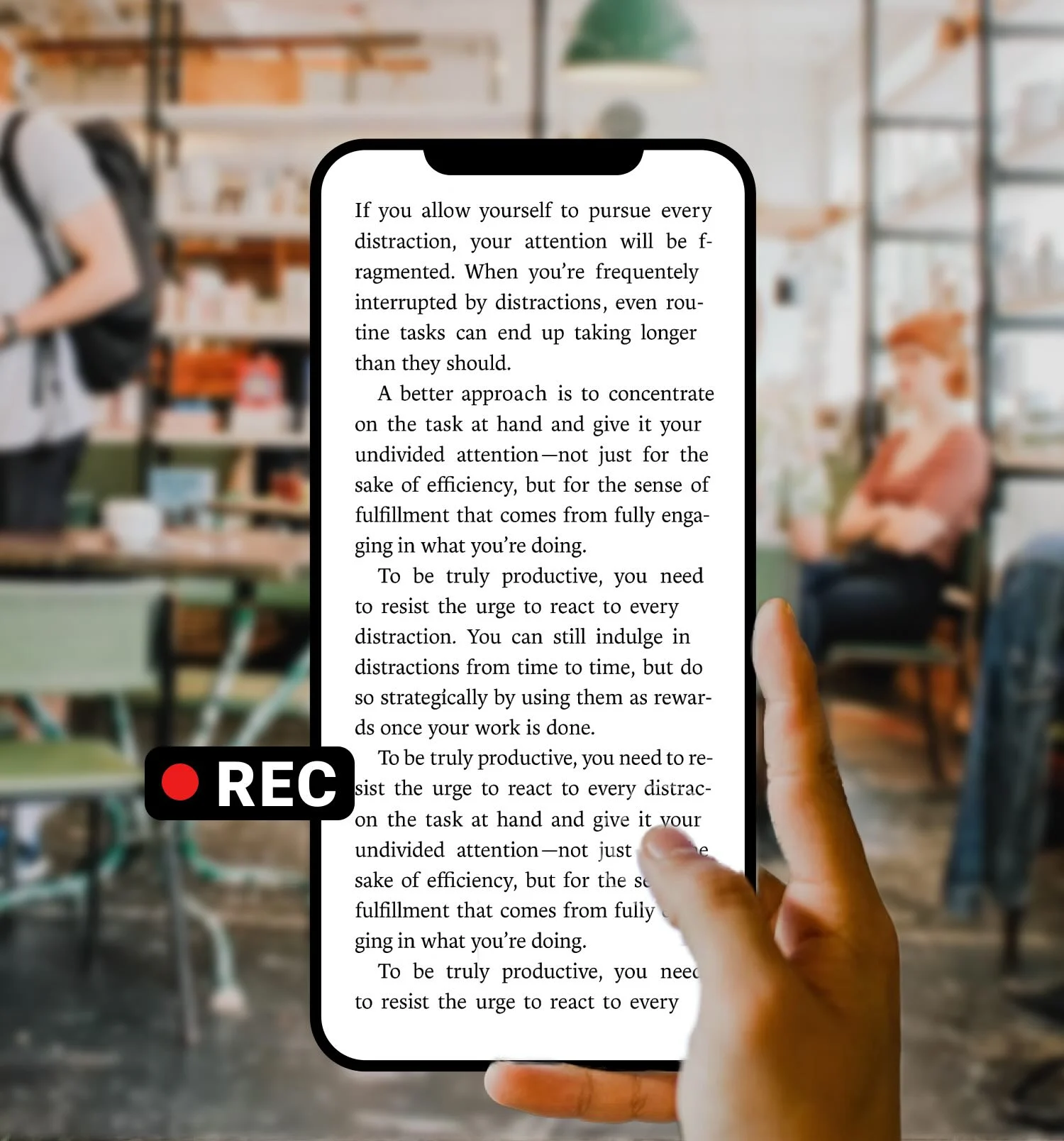
Yes. Pick any image as a cover, like an ebook page, a wallpaper, or your notes. It stays on screen the whole time the camera is recording.
Does it show a camera preview or make a shutter sound?
No. There's no camera preview and no shutter sound, and the flash stays off unless you turn it on. You can also turn on a short vibration so you know a photo was taken.
Is Dark Cam free?
The app is free to download and try. There's an optional paid upgrade if you want to unlock the full set of features.
How do I take a photo or video with the app?
Open Dark Cam, choose photo or video, and pick the lens: 0.5x, 1x, 2x, or the front camera. The screen turns black, and every tap takes a photo or starts and stops the video.
What devices does Dark Cam work on?
It's on Android for now. You can get it on Google Play.
Is it legal to record with Dark Cam?
Recording laws are different in every country. Use Dark Cam responsibly, follow your local laws, and respect other people's privacy and consent.